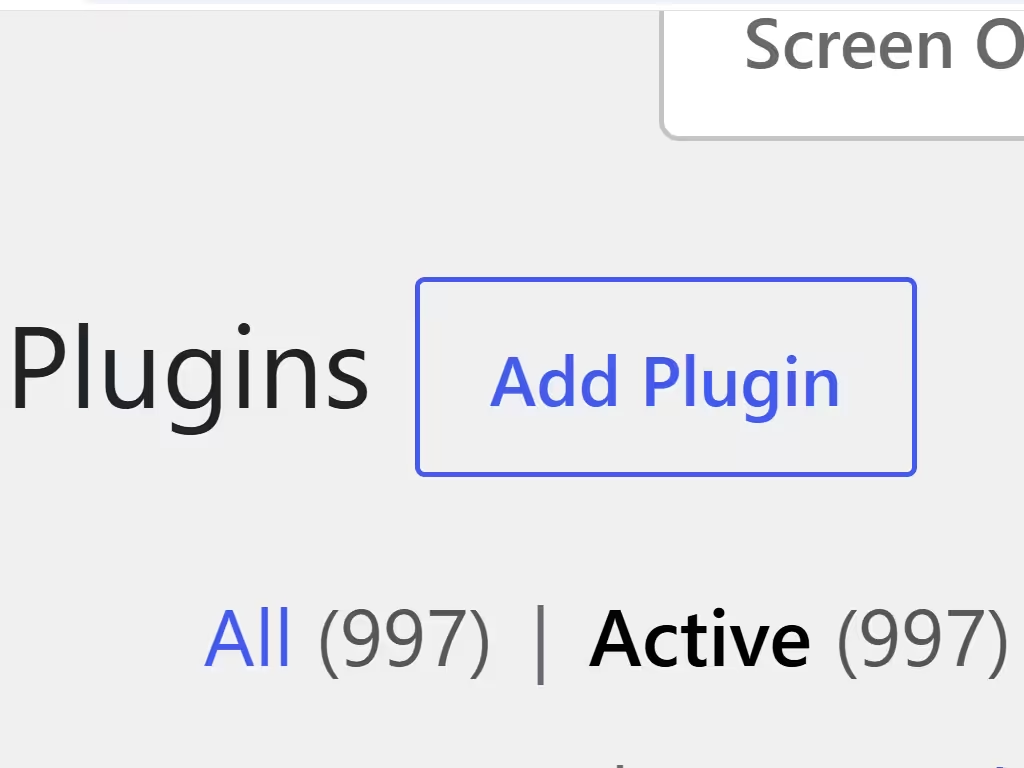
Using a large number of WordPress plugins primarily leads to slower website performance, increased security vulnerabilities, and compatibility conflicts. Each plugin adds code, database queries, and server load, which can drastically increase page load times; if a site takes more than 3 seconds to load, 53% of visitors are likely to leave, negatively impacting SEO and user experience.
Excessive plugins also create significant maintenance burdens and security risks. Outdated or poorly coded plugins serve as common entry points for hackers, and managing dozens of plugins increases the likelihood of plugin conflicts that can break features, cause white screens, or even crash the site. Furthermore, a high plugin count complicates updates and debugging, as each additional plugin introduces potential points of failure and requires regular auditing to ensure compatibility with WordPress core updates.
- Performance Degradation: Heavy scripts and excessive database queries slow down loading speeds and strain server resources, potentially causing 500 internal server errors.
- Security Risks: More plugins expand the attack surface; vulnerable, abandoned, or poorly maintained plugins can allow malware injection or unauthorized access.
- Conflicts and Crashes: Overlapping functionalities and incompatible code can cause broken layouts, malfunctioning e-commerce checkouts, and complete site crashes.
- Maintenance Overhead: Managing, updating, and troubleshooting a large number of plugins is time-consuming and increases the risk of human error during updates.
If you think you need a plugin, take a moment to consider if you really need that plugin. Would a code snippet work instead? Most importantly, ask yourself if you really need the plugin at all.